Just the Games
I've been working on this for some time and with the release of the first three Cairn CAS adventures in Markdown, I thought this was as good a time as any to make a few announcements.
First, A Familiar Tower and Puzzle Dungeon: The Seers Sanctum are now available in Markdown and are playable in browser, complete with image support! The Markdown versions are free and licensed under CC BY NC 4.0. The artwork presented is property of the original artist and is used with permission. There you'll also find a copy of the original OGL version of the Old School Essentials SRD available for quick reference at the same place where you run your games.
I'll also mention that Maxim Lowe has not only graciously made Cairn conversion notes for A Familiar Tower, but also created an alternate Markdown version of A Familiar Tower specifically for Cairn. So you can run as-is, no context switching necessary!
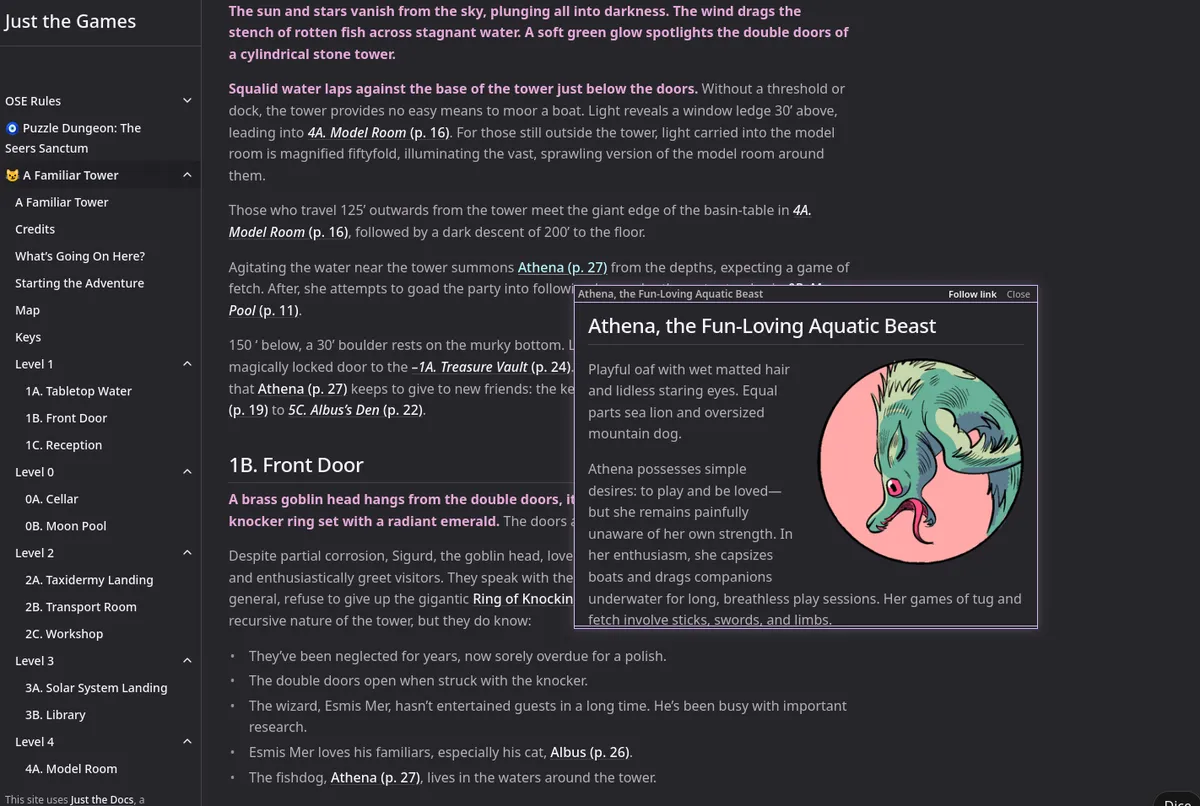
Finally, if you click the adventure links above, you'll see there are a few extra features to make running the game easier. Hovering over links will preview them, clicking on dice notation will roll dice, maps have click-able regions that take you to their keys. These are only a few features that I've been working on in a suite of plug-ins called Just The Games.
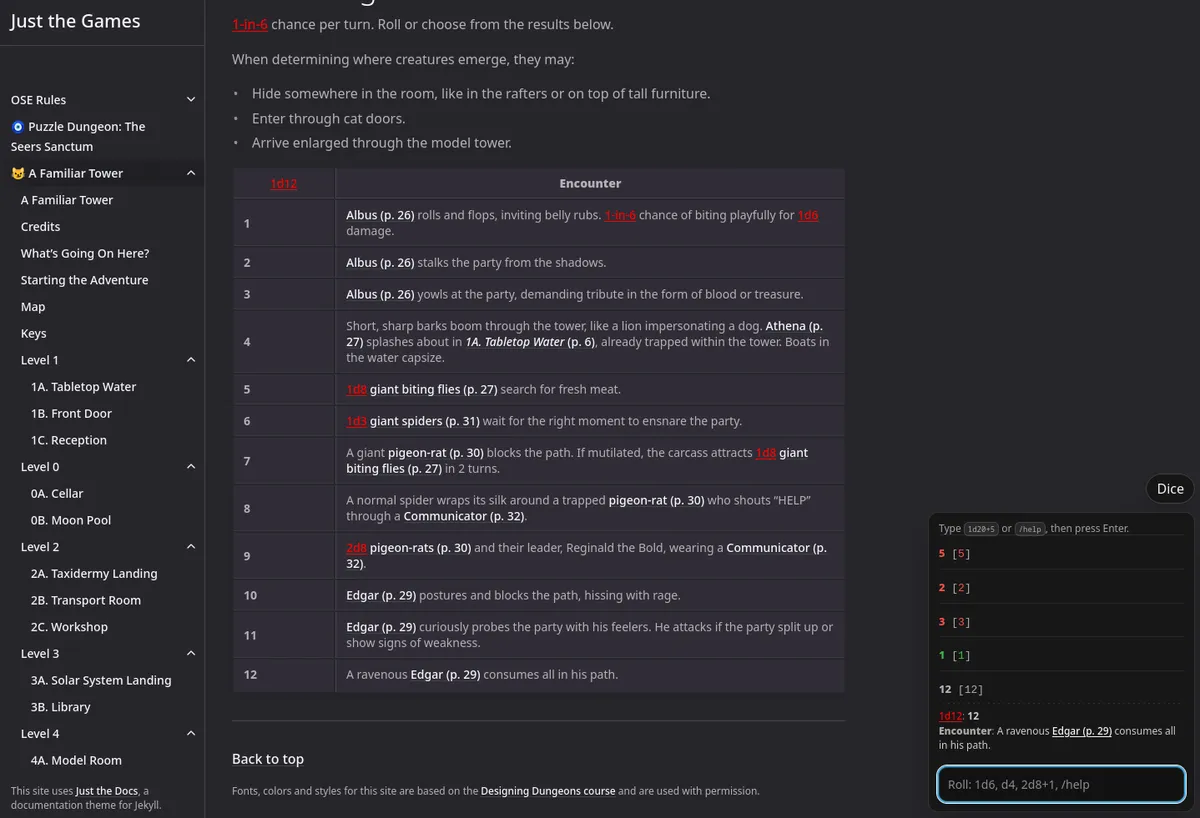
Sites like the Cairn SRD and the Designing Dungeons Course are written in a simple styling format called Markdown and then converted to web pages using an automated process, namely Jekyll with Just The Docs. The extra gaming plugins work with the same tools and can be dropped in to existing or new Just the Docs sites just as easily as any others.
Here's what the plug-ins look like when running on the Cairn SRD and the Dungeon Design Course.
This compatibility also means that the first three Cairn adventures CAS-1, CAS-2, and CAS-3 are playable with these enhancements right out of the box. Go run them!
Using these features is my preferred way to run games when I'm running on the internet. I'm not trying to replace PDFs, just offering a digital-focused alternative for when you're already staring at a computer screen.
I've written a couple of guides on how to get started creating your own sites the same way and hosting them for free. There is a bit of a learning curve if you don't have a technical background, but hopefully this eases the path a bit. Let me know what you think and if you need help. I'm on a bunch of discords—you can find me.